
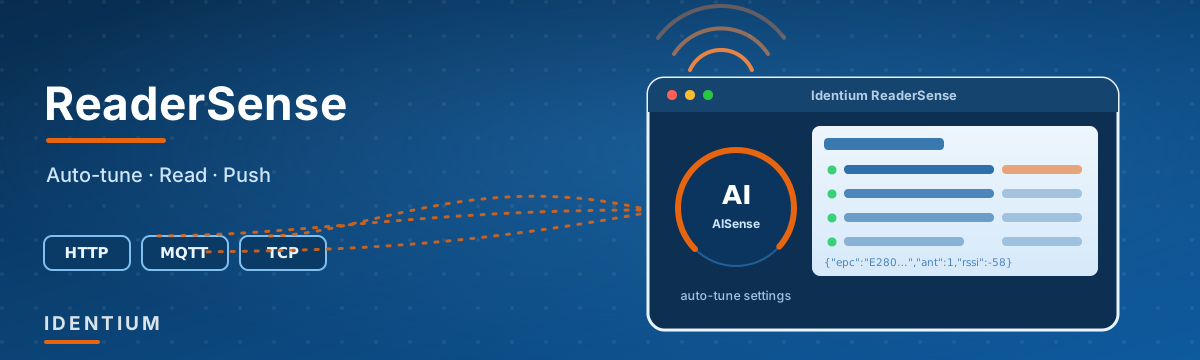
Every Identium UHF RFID reader ships with ReaderSense — a free, cross-platform desktop application (Windows 10/11 and macOS, Intel and Apple Silicon) for setting up, tuning, operating and integrating the reader. It is the software layer that turns a reader on your bench into a data source wired into your system. Here is what it lets you do — no code required for most of it, and a clean SDK when you do want code.
AISense — stop hand-tuning your reader
Getting the most out of a UHF reader usually means fiddling with RF power, Gen2 session, Q, target, and RF profile until reads look “good enough.” AISense replaces that guesswork with measurement.
You describe your deployment — reader module, number of antennas, tag type, the surface tags are mounted on, the application, and the read distance you need. AISense then generates a batch of candidate reader configurations — 10, 21 or 40 of them depending on whether you pick Quick, Standard or Deep — and applies each one to the connected reader live. For every configuration it measures the real result: unique tags seen, read rate, RSSI distribution and per-antenna performance. It then ranks them and hands you the empirically best settings for your tags in your environment. It covers all 11 of the SDK’s RF profiles and every Impinj fast mode, so nothing is left untested.
The result is a reader tuned by evidence, not by trial and error — and a repeatable record you can apply to every unit on the line.
Active mode — push tag reads straight into your system
This is the part most integrators care about. A reader is only useful once its reads reach your software, and ReaderSense gives you several ways to get them there.
By default the reader runs in passive mode — it reads only when your host asks it to. Switch it to active mode and the reader reads autonomously and pushes every tag read to a backend of your choice:
- HTTP(S) POST — point the reader at an endpoint URL (e.g.
https://api.yourcompany.com/rfid/ingest) and each read is posted to your API. - MQTT — publish to a broker and topic (with username/password, client ID and keep-alive) for pub/sub pipelines and IoT platforms.
- TCP — stream to a plain TCP host and port, the simplest possible listener.
- Wiegand and HID keyboard — for access-control panels and “type the tag into any field” scenarios, no middleware needed.
Every read arrives as a compact JSON line, for example:
{"epc":"E280...","ant":1,"rssi":-58,"freq":903250,"time":"2026-04-20T12:34:56Z"}And you control the details:
- Network interface — Ethernet, Wi-Fi or 4G.
- Upload cycle — how often the reader flushes buffered reads.
- Tag data fields — choose exactly what each record carries (EPC, TID, RSSI, antenna, frequency, timestamp) via the tag-format setting.
- Heartbeat — periodic keep-alive so your backend knows the reader is alive.
- GPI triggers — start reading when an input fires (a sensor, a break-beam, a foot switch).
- GPO actions — fire a relay or the onboard buzzer when a tag is read — instant local feedback or a gate/light with no PC in the loop.
Because active-mode config is stored on the reader itself, it keeps running after a power cycle with no host attached — ideal for unattended gates, dock doors and kiosks.
The everyday reader console
No code needed — ReaderSense is a complete operator console for the reader:
- Network setup & discovery — scan your network to find every reader, then connect by IP or serial. Set the reader’s IP address and gateway from the app, and read back full hardware info: software, bootloader, mainboard and module versions, module serial number and RFID module type.
- Live inventory & stock counts — a real-time tag table with total reads, read rate and first/last-seen, plus a one-click Take Stock Count. Built-in analytics break the reads down by antenna and by frequency, with min/max/average read times — so you can see exactly which antenna or channel is doing the work.
- Gen2 tag access — read, write, lock and kill tags, encode a new EPC, and read any memory bank (EPC / TID / User). Target a single tag with a filter, and supply access or kill passwords for protected tags.
- Manual RF & Gen2 tuning — the hands-on complement to AISense: RF power, region (India’s 865–868 MHz band and others), antenna selection, Gen2 session / target / Q, write mode, fast mode and frequency-hop mode. Tune by hand when you want fine control, or let AISense find the best settings for you.
- Peripherals — monitor GPI inputs and toggle GPO outputs live, and sound the onboard buzzer.
- Diagnostics — an antenna VSWR sweep (per antenna, across frequency) to confirm every antenna and cable run is healthy before you deploy, plus a wire-level protocol-debug view for integrators tracing exactly what the reader sends and receives.
- Firmware update — keep every reader on the current build, with a live progress readout.
For developers — a real SDK
If you are building the reader into your own application rather than driving it by hand, ReaderSense’s underlying capabilities are also packaged as standalone Node.js modules — connection, inventory, parameters, tag access, peripherals, firmware, VSWR and auto-mode — so a single call configures HTTP/MQTT/TCP push, runs an inventory, or writes an EPC. It is the fastest path from “reader on the desk” to “data in production.”
The short version
ReaderSense means an Identium reader is not a black box you have to reverse-engineer. Tune it by measurement with AISense, run inventories and stock counts, encode and lock tags, push reads to HTTP, MQTT or TCP, and trigger the reader from GPIO — all from one cross-platform app, with an SDK underneath when you want to build it into your own system. If you are evaluating readers for a project, that software layer is often the difference between a two-week integration and a two-month one.
Want a walkthrough or a trial reader to test against your own tags and backend? Talk to our team — or browse our UHF reader range.